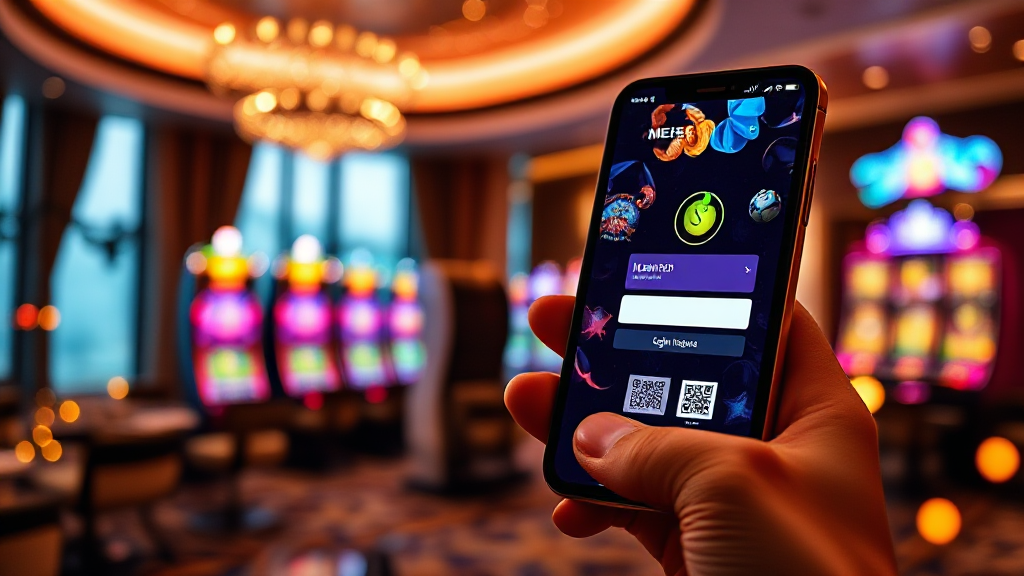
Spotting Impersonation: Fake Login Pages and Lookalike Domains
You tap a link, the page loads, and the layout looks familiar. The logo is there, the login fields are in the right place, and the colors match what you remember. But the address bar tells a different story: the domain is slightly off, maybe an extra letter or a swapped character. That one detail is the difference between signing into the service you intended and handing your credentials to an impersonator. For anyone searching for slot88 platforms, this kind of visual deception is the most common trap, and it is designed to work precisely because the page looks right.
Impersonation is not a technical attack that breaks encryption or hacks a server. It is a confidence trick that borrows trust from a known name and redirects it toward a copy. The defense is not complicated, but it requires a habit: checking the address before you type anything, and verifying the source before you trust the screen.
Lookalike Domains: The Copy That Lives One Letter Away
A lookalike domain is a web address built to resemble a legitimate one closely enough that a hurried reader will not notice the difference. Attackers register these addresses because they are cheap, fast to set up, and effective against users who scan rather than read. The copy often uses the same brand name in the page title and the same visual design, so the only reliable signal is the URL itself.
Common patterns to recognize
- Character swaps: replacing a letter with a similar-looking one, such as a lowercase L for a capital I, or a zero for the letter O.
- Extra words: adding prefixes or suffixes like “login,” “secure,” “official,” or “support” to the real brand name.
- Different endings: keeping the brand name but changing the top-level domain, so the address ends in something other than what the real service uses.
- Hyphen tricks: inserting hyphens between words to create a new but familiar-looking address.
None of these patterns is proof of fraud on its own, but each is a reason to slow down. The practical rule is simple: if the address does not match the one you have used before, treat the page as unverified until you confirm it from an independent source.
Why mobile screens make it harder
On a phone, the address bar is compressed, often truncated, and sometimes hidden while the page loads. That makes lookalike domains far more dangerous on mobile than on desktop. A user who would spot a swapped character on a wide screen can easily miss it on a narrow one. Before entering any credentials on a phone, tap the address bar to reveal the full URL and read it character by character.
Fake Login Pages: When the Form Is the Weapon
A fake login page is a form that collects your username and password and sends them to someone other than the service you think you are using. It does not need to break into anything. It simply asks, and the user provides. These pages are often hosted on lookalike domains, but they can also appear through compromised links, shortened URLs, or messages that claim to be account alerts.
The form itself is usually a convincing copy. It may include a password field, a “remember me” checkbox, and even a fake error message designed to make you retry with a different password. That retry is part of the trap: it gives the attacker a second credential to try if the first one fails.
Red flags inside the page
- The page asks for information it should not need, such as a full password plus a one-time code plus a security answer all at once.
- Submitting the form produces a generic error, a redirect to an unrelated page, or nothing at all.
- The page has no way to reach support, or the support link points to a different domain than the one you are on.
- The design is close but not exact: slightly wrong fonts, misaligned buttons, or images that look compressed.
One red flag is a warning; two is a stop sign. Close the page and reach the service through a route you already trust rather than through the link that brought you there.
The credential-reuse problem
Impersonation becomes far more damaging when the same password is used across multiple services. A single fake login page can then unlock more than one account. The defensive habit is to use a unique password for every service and to enable two-factor authentication wherever it is offered. That way, even a captured password is not enough on its own.
Verification Habits That Stop Impersonation Early
Verification is a set of small routines, not a single check. The goal is to confirm the destination before you interact with it, and to confirm it again whenever anything feels slightly off. These habits take seconds and remove most of the risk.
Build a trusted entry point
Instead of searching for a brand every time, save the correct address as a bookmark after verifying it once from a reliable source. Then always enter through that bookmark rather than through search results, messages, or ads. Search results can include paid placements that look like the real thing, and messages can contain links that were never sent by the service.
Read the address before the page
Make it a rule to glance at the domain before you look at the design. The page can imitate anything; the address is harder to fake. Check the characters immediately around the brand name, the top-level domain, and whether the connection is secure. A padlock icon alone is not proof of legitimacy, because anyone can obtain a certificate for a lookalike domain.
Cross-check through an independent channel
If a page claims to be a service you use, verify it through a channel that does not depend on the page itself. That could be an app you already have installed, a support contact you have used before, or a bookmark you created earlier. The key is to break the loop: do not let the suspicious page be the only source of confirmation.
For anyone comparing platforms, the same discipline applies to how you evaluate a slot88 destination: confirm the address, confirm the entry point, and only then proceed. Impersonation relies on users skipping that sequence.
Your Closing Checklist for Suspicious Pages
Use this checklist whenever a login page appears unexpectedly or an address looks unfamiliar. It is intentionally short so it can be applied in the moment.
- Stop before typing. Do not enter a username, password, or code until the address has been checked.
- Read the full URL. Expand the address bar on mobile and compare it character by character with the address you trust.
- Check the domain ending. Confirm the top-level domain matches what the service actually uses.
- Look for extra words. Be wary of “secure,” “login,” “official,” or “verify” inserted into the brand name.
- Test the page’s behavior. A form that errors generically or redirects oddly is a warning sign.
- Use a bookmark or app. Reach the service through a route you established earlier, not through the link in front of you.
- Report and close. If the page is fake, close it and report the address to the real service so others can be warned.
Impersonation succeeds when speed beats scrutiny. The checklist reverses that: it inserts a few seconds of verification before any credential leaves your hands. Make it a habit, and the lookalike domain loses its advantage.